MEDIA · IMAGE · VIDEO · MUSIC
Let your AI agent generate images, video, and music as real files
Let Claude Code, Codex or any agent that runs skills generate images, video and music with no model keys of your own — files and URLs ready to deploy or attach. Product page: Agent Media.
Brain vs. hands
Your agent is good at one half of media generation and physically can't do the other. It can understand what the image should be and write a sharp prompt — that's the brain's job. It can't emit a PNG, an MP4, or a WAV; a language model produces text, not bytes. Clize is the hands: the agent (or you) writes the prompt, Clize calls the models, and the actual file comes back. The prompt is thinking; generating the file is doing — and now your agent can do both.
No model keys to manage
You bring no model keys of your own. You don't sign up with an image provider, a video provider, and a music provider, juggle three billing accounts, or paste API keys into your agent's environment. Clize pays the providers and returns the result; your Clize balance is the only thing to top up. Behind the verbs: gpt-image-2 (default) and nano-banana-2 for images, veo for video, suno for music.
The commands
Generation is a small, honest command surface. Each gen verb maps to a modality; the job-management verbs let an agent reconnect to long renders after the session that started them is gone.
$ clize gen image <prompt> --confirm                   # gpt-image-2 — an async task; the CLI waits by default
$ clize gen image <prompt> --ref a.png,b.png --confirm # up to 16 reference images (14 with --model nano-banana-2)
$ clize gen image <prompt> --confirm --async           # return the job id now; collect it with gen status
$ clize gen video <prompt> --confirm                   # veo — long job, returns a job id
$ clize gen music <prompt> --confirm                   # suno — long job, returns a job id
$ clize gen jobs                                       # list jobs, running ones first
$ clize gen status <id>                              # pull a finished render
$ clize gen list                                       # past generations
Every generation is priced before it runs. Without --confirm a command only quotes — nothing is charged. Pass --confirm to run it. For a batch, pre-approve one round in the conversation; the agent still passes --confirm per job, so every charge shows in clize audit. It pairs naturally with Claude Code or Codex — the same agent that writes your code writes your prompts.
The output contract
Results land as files on disk and URLs — never a giant base64 blob dumped into the transcript. An image comes back as a path under ./clize-assets (or wherever --out points); video and music come back as durable URLs the CLI writes down for you. stdout carries compact metadata JSON, so the agent gets a path it can act on, not a wall of binary it has to choke through. From there the file is just a file: ready to deploy to a site or attach to an email.
What comes back — three prompts, three files
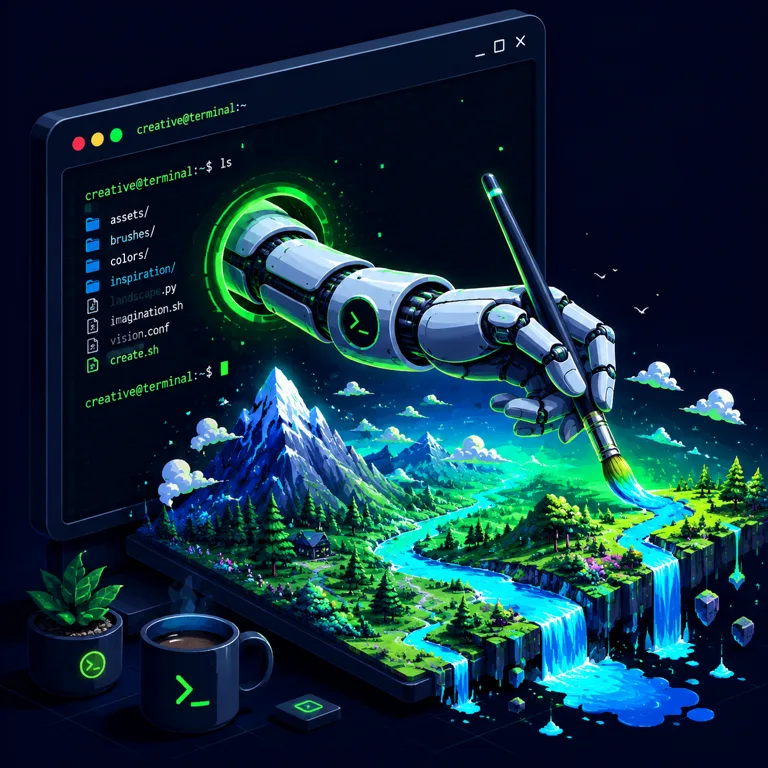
Everything below was generated for this page with the exact command you just read — prompt in, file out, priced before it spent. Three prompts, three deliberately different styles.


Where the bytes go next
A generated file isn't the finish line — it's an input to the next real-world action. That's where Clize's other hands take over:
- Generate a hero image → ship it. Make the artwork, drop it into your build, and deploy with
clize deploy. The image your agent couldn't draw is live on the page minutes later. - Generate an image → attach it. Pass the path straight to email:
clize email send --attach <path>. Generated asset, out the door, under your name. - Generate video or music → review first. The expensive, slow modalities get a human's eyes before they're used anywhere. The agent produces; you approve.
Safety & cost
Spending money on a model is a real-world action, so it sits behind the same gate as everything else Clize does with your wallet:
- Quote, then confirm. Every generation is priced before it runs and won't spend without an explicit
--confirm. There is no standing budget: for a batch you pre-approve a round in the conversation, and the agent still passes--confirmper job. - Failed jobs are refunded. Clize charges before it generates, and if the provider fails or produces nothing, the charge is returned. You pay for output, not attempts.
- No blind retries. A failed job stops and reports — it doesn't silently loop and re-spend trying to brute-force a result. The agent treats a failure as data to read, not a button to mash.
FAQ
Can Claude Code generate images?
Yes, through Clize. Claude Code can't draw bytes on its own — it writes text. With Clize installed, it writes the prompt and runs clize gen image <prompt> --confirm; Clize calls the model (gpt-image-2 by default, nano-banana-2 as the alternative) and the image lands as a file on disk. You bring no model keys of your own.
Can an MCP server generate images?
Not as an MCP tool. Media generation runs through the clize CLI and skill (it is deliberately not an MCP tool); any agent that runs skills or has a shell can call it. The agent supplies the prompt; Clize returns a file path and URL, not a giant binary blob pasted into the transcript.
Is this an AI video generator API?
It's the agent-facing front door to one. clize gen video <prompt> --confirm submits the job (veo, up to 3 reference images) and returns a job id; the render runs asynchronously and you pull the result with clize gen status <id> or clize gen jobs. You get a finished file or URL, not raw API plumbing to wire up.
Why must humans review video and music?
An image is one short job (the CLI waits for it by default) and cheap to glance at, but video and music are long jobs, costlier, and easy to get subtly wrong. Every generation is priced before it runs and needs --confirm before it spends, and failed jobs are refunded — so the human stays in the loop on the expensive, hard-to-judge output before it ships.
Generate the bytes your agent can't type.
Install Clize, and the agent that writes your prompts can turn them into images, video, and music — real files on disk, priced before they spend, ready to deploy or attach.
$ npm i -g @clize/clize
$ clize login
$ clize install   # wires Clize into Claude Code & Codex
Agent Media →